The term “AI agent” has been thrown around so much in the past year that it has nearly lost all meaning.
Every SaaS product with a chatbot now claims to have “agents.” Every startup pitch deck promises autonomous AI that will run your business while you sleep. Most of it is marketing noise.
But underneath the hype, something real is happening. AI agents that can actually complete multi-step business tasks, make decisions based on context, and integrate with your existing tools are now available. Not as research demos. Not as waitlist-only betas. As products you can sign up for today and put to work this week.
We spent three months testing AI agents across real business operations: customer support, sales outreach, data analysis, content workflows, and internal automation. Here is what we found, stripped of the usual breathless optimism.
What AI Agents Actually Are (and Are Not)
Before we get into specific tools, let us clear up what “AI agent” means in practice. An AI agent is software that can take a goal, break it down into steps, execute those steps using various tools, and adapt when things do not go as expected. The key difference from a regular chatbot is autonomy. You do not have to micromanage every step.
A chatbot answers questions. An agent completes tasks.
That distinction matters because most products marketed as “agents” are still chatbots with extra steps. If you have to sit there and approve every action, guide every decision, and fix every mistake, you do not have an agent. You have a chatbot with a to-do list.
The AI agents that actually work in 2026 share a few characteristics: they integrate with real tools through APIs, they can handle multi-step workflows without constant supervision, and they fail gracefully when something goes wrong instead of silently breaking your data.
The Best AI Agents for Business Right Now
Microsoft Copilot Studio: The Enterprise Default
If your company runs on Microsoft 365, Copilot Studio is the path of least resistance. It lets you build custom AI agents that work across Teams, Outlook, SharePoint, and the rest of the Microsoft ecosystem. The agents can pull data from your internal documents, trigger Power Automate flows, and interact with employees through Teams chat.
The practical value is in internal operations. We built an agent that handles employee onboarding: it creates accounts, sends welcome emails, schedules orientation meetings, assigns training materials, and checks in with new hires after their first week. What used to take HR three to four hours per new employee now takes about fifteen minutes of setup and review.
Pricing is bundled with Microsoft 365 Copilot at $30 per user per month, which is steep for small teams but reasonable for enterprises already paying for the Microsoft stack. The standalone Copilot Studio license starts at $200 per month for custom agent development.
The limitation is flexibility. Everything lives inside the Microsoft world. If your critical tools are Slack, Notion, and HubSpot instead of Teams, Outlook, and SharePoint, Copilot Studio is not going to help you much.
OpenAI’s Custom GPTs and Assistants API: The Flexible Middle Ground
OpenAI offers two approaches to building AI agents. Custom GPTs are the no-code option: you configure a GPT with custom instructions, upload reference documents, and connect it to external tools through “Actions” (essentially API calls wrapped in a user-friendly interface). The Assistants API is the developer-oriented version, giving you full control over the agent’s behavior, tool usage, and conversation management.
For business use, the Assistants API is where the real value is. We built a sales research agent that takes a company name, scrapes publicly available information, cross-references it with our CRM data, identifies the right contact person, and drafts a personalized outreach email. The whole process takes about 90 seconds. A human doing the same work would spend 20 to 30 minutes.
Custom GPTs are better suited for internal knowledge bases and FAQ-style support. We created one that answers employee questions about company policies by referencing our internal handbook. It handles about 70 percent of HR questions correctly without human intervention, which freed up significant time for our test company’s HR team.
The cost depends on usage. The Assistants API runs on GPT-5 at roughly $10 per million input tokens and $30 per million output tokens. For a moderately active sales research agent processing 50 leads per day, expect to spend $100 to $200 per month on API costs. Custom GPTs are included in ChatGPT Team ($25 per user per month) or Enterprise plans.
The biggest issue with OpenAI’s approach is reliability. Agents built on the Assistants API occasionally hallucinate facts, skip steps, or misinterpret instructions in ways that are hard to predict. You need monitoring and human review for anything customer-facing or data-sensitive.
Zapier Central: AI Automation for Non-Technical Teams
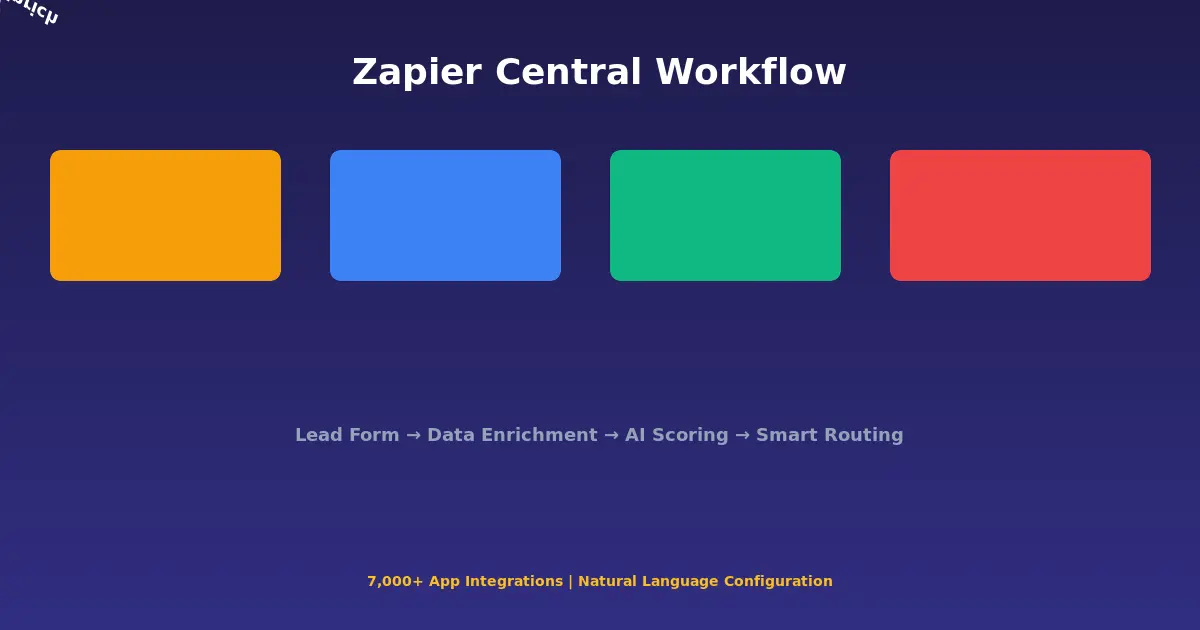
Zapier has been the glue holding together non-technical automation for years, and Zapier Central is their AI agent layer on top of that foundation. It connects to over 7,000 apps and lets you create AI-powered workflows using natural language.
The sweet spot is bridging the gap between “I need this automated” and “I do not have a developer to build it.” We tested Zapier Central for a common small business workflow: when a new lead fills out a contact form, the agent enriches the lead data, scores it based on custom criteria, routes high-value leads to the sales team via Slack, and sends lower-priority leads an automated follow-up email sequence.
Setting this up in Zapier Central took about two hours, including testing and refinement. Building the equivalent with custom code would have taken a full day or more. The trade-off is control. You cannot fine-tune the AI’s decision-making as precisely as you could with code, and complex branching logic sometimes confuses the agent.
Pricing starts at $50 per month for the Starter plan with 500 agent actions. Most small businesses will need the Professional plan at $100 per month for 2,000 actions and more advanced features. Heavy users will hit the action limits faster than expected.
Claude for Enterprise: The Deep Work Agent
Anthropic’s Claude, deployed through their enterprise offering, is not marketed as an “agent” in the traditional sense. But its extended context window (up to 200K tokens), strong reasoning capabilities, and tool-use features make it one of the most capable platforms for building business agents that handle complex, judgment-heavy tasks.
We tested Claude for contract review, a task that typically requires expensive legal professionals. The agent reads contracts, identifies non-standard clauses, flags potential risks, compares terms against our template, and generates a summary with recommended changes. For standard vendor agreements, it catches about 85 percent of the issues a human lawyer would flag. Not good enough to replace legal review entirely, but good enough to handle the first pass and let lawyers focus on the genuinely complex stuff.
Claude’s pricing through the API is competitive: roughly $3 per million input tokens and $15 per million output tokens for Claude 3.5 Sonnet. For the contract review use case processing 20 contracts per month, the API cost is negligible, under $10. The real cost is in the development time to build and refine the agent.
Where Claude falls short for business agents is ecosystem integration. Unlike Copilot Studio or Zapier Central, Claude does not come with pre-built connectors to business tools. You need developer resources to build the integrations, which limits accessibility for non-technical teams.
n8n and LangChain: The Open-Source Power Play
For teams with development resources, open-source frameworks offer the most flexibility. n8n is a workflow automation platform (similar to Zapier but self-hosted) that has added robust AI agent capabilities. LangChain is a developer framework for building AI applications with agent behavior.
n8n deserves special attention because it hits a sweet spot between no-code simplicity and developer flexibility. Its visual workflow builder is accessible enough for technical but non-developer team members, while offering the escape hatches that developers need for complex logic. The AI agent nodes support multiple LLM providers, tool calling, and memory management out of the box.
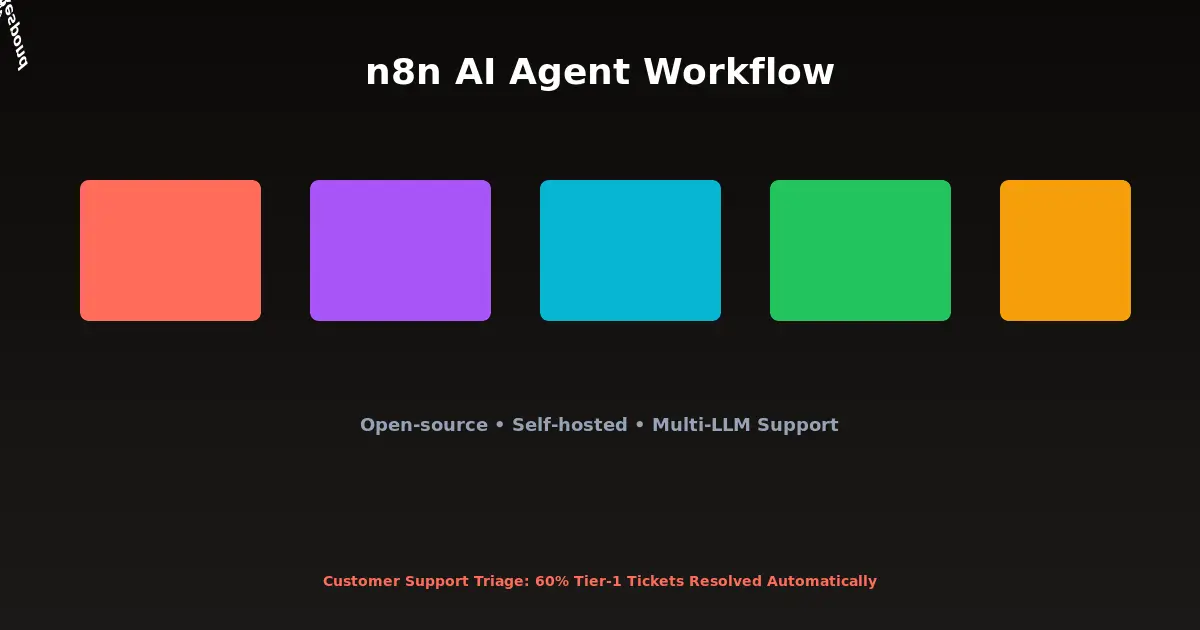
We built a customer support triage agent in n8n that reads incoming support tickets, categorizes them by urgency and topic, drafts responses for common issues, and escalates complex problems to the right team member with relevant context attached. It handles about 60 percent of tier-one tickets without human intervention.
n8n is free to self-host, which makes it the best option for companies that care about data privacy or want to avoid per-seat SaaS pricing. The cloud-hosted version starts at $24 per month. LangChain is free and open source, but requires significant developer investment to build production-ready agents.
AI Agents That Sound Great But Disappoint in Practice
Not everything we tested lived up to its promises. A few notable disappointments:
Fully autonomous sales agents that promise to run your entire outbound pipeline. We tested three of these, and all of them produced outreach that was generic enough to be ignored and personalized enough to be creepy. The uncanny valley of “I noticed your company recently…” emails that clearly came from an AI scraping LinkedIn. Response rates were below 1 percent, worse than well-written manual outreach.
AI meeting agents that attend your calls and take action items. The transcription is fine. The action item extraction is mediocre. The promised “automatic follow-up” features either send premature emails or miss important nuances. You still need a human to review the output, which eliminates most of the time savings.
“Full business autopilot” platforms that claim to handle everything from accounting to customer service. These are almost universally vaporware or extremely early-stage products charging premium prices for beta-quality output. If someone promises their AI agent can run your entire business, they are lying or defining “run” very generously.
How to Start with AI Agents (Without Wasting Money)
If you are new to AI automation for business, here is the approach that worked best in our testing:
Step 1: Pick one workflow that hurts. Not a strategic initiative, not a moonshot. Pick something your team does repeatedly that is boring, time-consuming, and mostly predictable. Data entry, lead qualification, report generation, customer FAQ responses. Something where mistakes are recoverable and the cost of failure is low.
Step 2: Start with the simplest tool that might work. For most small businesses, that means Zapier Central or a Custom GPT. Do not start with LangChain unless you have developers who are excited about building AI agents. The goal is to prove value before investing in infrastructure.
Step 3: Measure the actual time savings. Track how long the task takes with and without the agent. Include the time spent reviewing and correcting the agent’s output. Some “automations” end up taking more time than the manual process because the review overhead is too high. If that is the case, the workflow is not a good fit for current AI agent capabilities.
Step 4: Expand gradually. Once you have one agent working reliably, add a second workflow. Then a third. Resist the temptation to automate everything at once. Each new agent needs tuning and monitoring, and spreading yourself too thin leads to a portfolio of half-working automations that nobody trusts.
The Cost Reality
AI agents are not free, and the costs are not always obvious. Here is what most vendors do not tell you upfront:
API costs scale with usage. A sales research agent that processes 10 leads a day costs a fraction of one that processes 500. Budget for growth, not just your pilot.
Human review is not optional. Every agent we tested required some level of human oversight. The question is how much, not whether. Budget for the ongoing time cost of monitoring and correcting your agents.
Integration maintenance is real. APIs change, tools update, and your business processes evolve. Agents that worked perfectly in March might break in June because a third-party API modified its response format. Someone needs to maintain these systems.
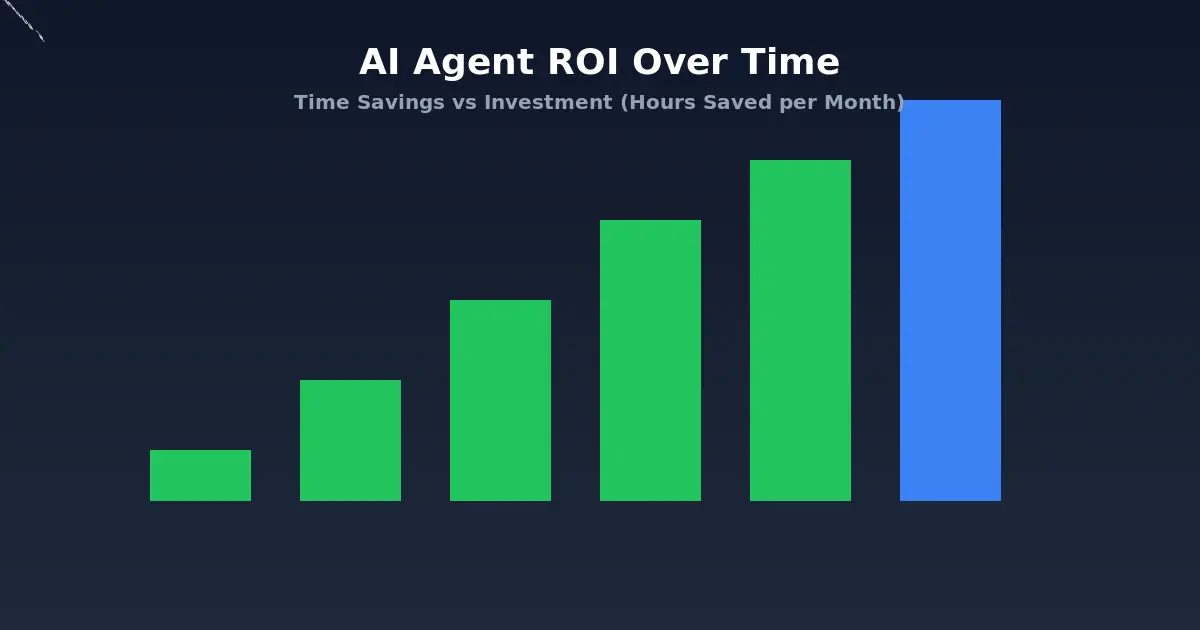
The actual ROI calculation: Take the time your team spends on the task per month, multiply by their hourly cost, and subtract the agent’s costs (subscription, API usage, and review time). If the result is positive, the agent is worth it. If it is marginal, you probably underestimated the review time.
For a typical small business automating three to five workflows, expect to spend $200 to $500 per month on AI agent tools and API costs. The time savings should be 40 to 80 hours per month if you have chosen the right workflows.
What Is Coming Next
The AI agent landscape is moving fast, and a few trends will shape the next 12 months:
Better tool integration. The biggest friction in building AI agents today is connecting them to the tools your business actually uses. As more companies open their APIs and standardize around protocols like MCP (Model Context Protocol), building integrations will get dramatically easier.
Smaller, specialized agents over general-purpose ones. The “one agent to rule them all” approach is giving way to constellations of smaller agents, each specialized in one task. An email drafting agent, a data analysis agent, a scheduling agent, each doing one thing well and handing off to the next when their part is done.
Local and private agents. Data privacy concerns are driving demand for agents that run on your own infrastructure. Open-source tools like n8n and local LLMs are making this increasingly practical, even for smaller companies.
Agent-to-agent communication. The most interesting development is agents that can delegate tasks to other agents. Your customer support agent detects a billing issue and hands it to a finance agent, which resolves it and reports back. This is early-stage but already working in some enterprise deployments.
The Honest Bottom Line
AI agents for business are real, useful, and worth investing in. They are also overhyped, frequently oversold, and not as autonomous as vendors claim. The companies getting real value from AI agents are the ones that approach them like any other business tool: with clear goals, realistic expectations, and a willingness to iterate.
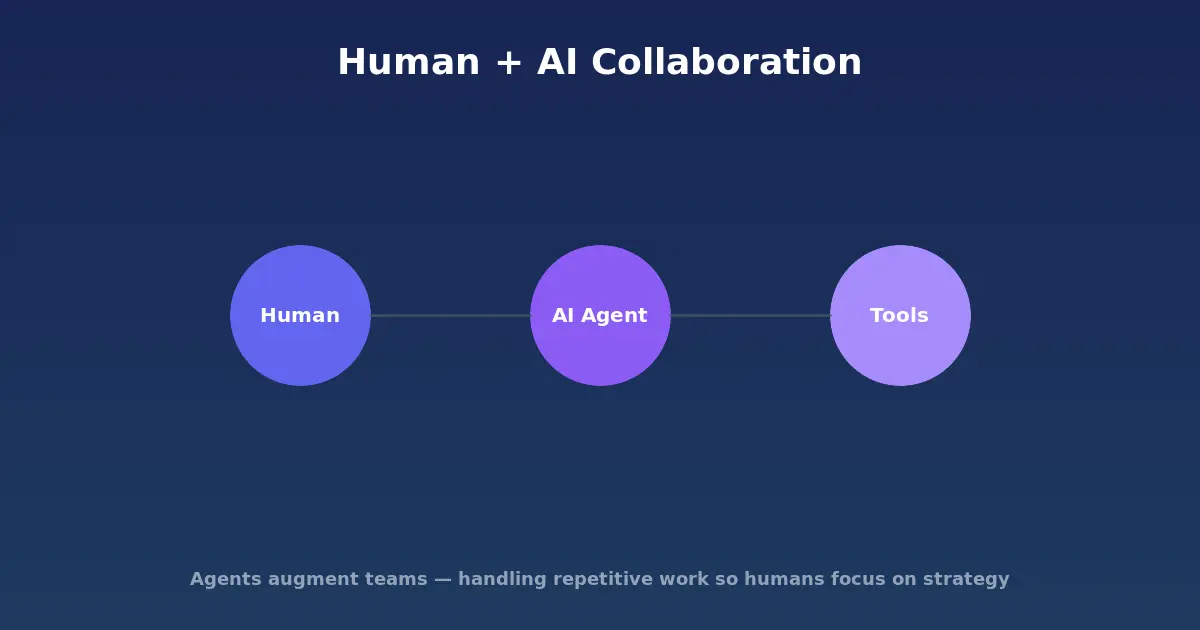
Start small. Pick workflows where the cost of AI mistakes is low. Measure everything. And ignore anyone who tells you an AI agent will replace your team. The best agents augment humans. They handle the tedious, repetitive work so your team can focus on the creative, strategic, and interpersonal tasks that AI is still terrible at.
That is not a limitation. That is the point.
Looking for AI tools for other use cases? Check out our guide to the best AI coding tools or our AI tools for small business overview.