
Two years ago, AI coding tools were a novelty. You installed Copilot, marveled at its autocomplete suggestions for a few days, and then went back to writing most of your code by hand. That era is over. In 2026, AI coding tools are no longer optional for professional developers. They are as fundamental as a good IDE or a version control system. The question is not whether to use them, but which ones to use and how to get the most out of them.
We spent three months testing the major AI coding tools across real projects. Not toy demos or LeetCode problems, but production codebases with messy dependencies, unclear requirements, and the kind of legacy code that makes you question your career choices. Here is what we learned.
Cursor: The New Default
Cursor has become the IDE that other tools are measured against. It started as a VS Code fork with AI features bolted on, but it has evolved into something more distinctive. The core experience revolves around Composer, a feature that lets you describe changes in natural language and watch Cursor apply them across multiple files simultaneously.
What makes Cursor special is context awareness. It indexes your entire codebase and uses that context to generate suggestions that actually fit your project’s patterns, conventions, and architecture. Ask it to “add error handling to the payment flow,” and it will modify the right files, follow your existing error handling patterns, and even update the relevant tests. Most of the time.
The pricing is $20 per month for the Pro plan, which includes 500 “fast” requests per month (using Claude or GPT-5 under the hood) and unlimited slower requests. Power users will burn through those fast requests in a week or two, which means either upgrading to the $40 Business plan or learning to be more deliberate about when you invoke the AI.
Cursor’s biggest weakness is that it can be overconfident. It will make sweeping changes across your codebase with the same casual confidence whether the changes are correct or subtly broken. You need to review every diff carefully. Treat Cursor like a very fast junior developer who never pushes back on requirements but occasionally misunderstands them.

The tab completion alone is worth the subscription. Cursor predicts your next edit based on recent changes, and it is right often enough that coding without it now feels like typing on a phone without autocorrect. Not impossible, but noticeably slower.
GitHub Copilot: The Safe Choice
GitHub Copilot is the establishment pick. It works inside VS Code, JetBrains, Neovim, and practically every editor you might use. It does not try to reinvent your workflow. It just sits there, suggesting completions as you type, and most of the time those suggestions are good.
The individual plan costs $10 per month ($100 annually), making it the cheapest option on this list. For that price, you get inline code completion, chat-based assistance, and integration with GitHub’s ecosystem for pull request summaries and code review suggestions.
Copilot’s strength is reliability. It rarely produces output that is wildly wrong. Its suggestions tend to be conservative and correct rather than ambitious and risky. For teams that need a tool everyone can adopt without extensive training, Copilot is the obvious choice.
Where Copilot falls short is ambition. It is excellent at completing the function you are writing. It is less effective at understanding your entire project and making structural suggestions. Cursor’s multi-file editing and Composer features are in a different league. Copilot is catching up with its own agent mode features, but as of early 2026, there is still a meaningful gap.
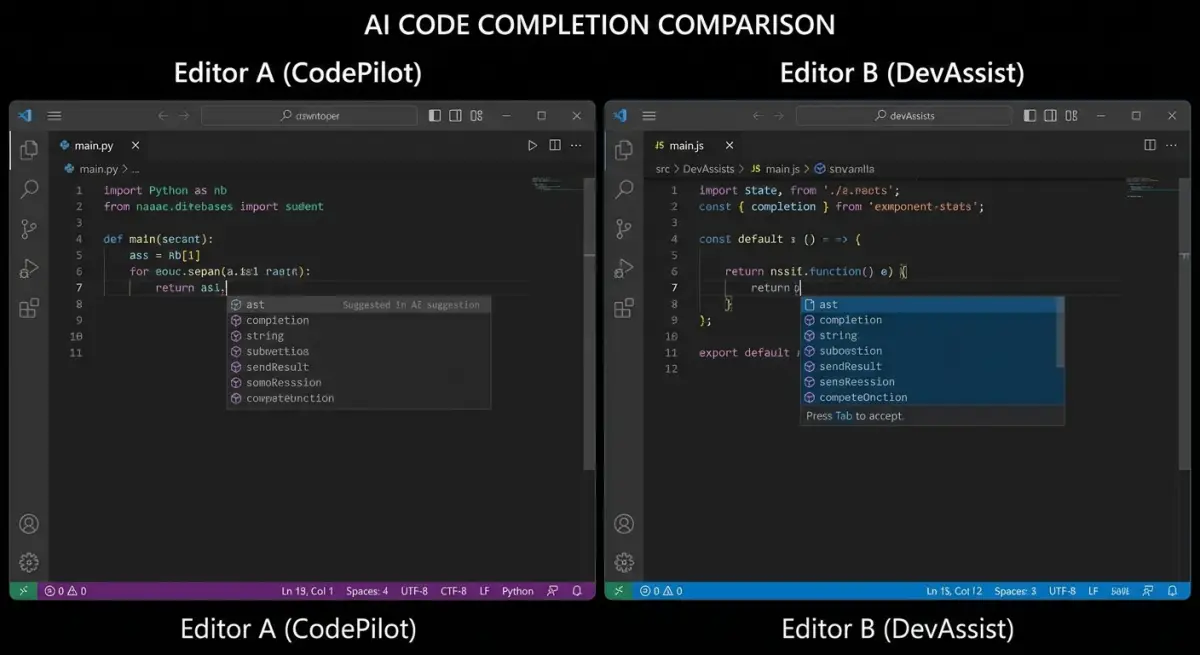
One area where Copilot genuinely excels is pull request reviews. If your team uses GitHub, Copilot can summarize PRs, flag potential issues, and suggest improvements directly in the review interface. This saves significant time on code review, especially for large teams where keeping up with PRs is a constant challenge.
Claude Code: The Power Tool
Claude Code is not an IDE. It is a command-line agent that operates directly in your terminal. You describe what you want, and Claude Code reads your files, writes code, runs tests, and commits changes. It is the closest thing we have to an AI pair programmer that actually understands software engineering rather than just pattern-matching on code.
The experience is radically different from editor-based tools. You are not looking at autocomplete suggestions. You are having a conversation with an agent that can navigate your entire project, understand relationships between files, and execute multi-step plans. Ask it to “refactor the authentication module to use JWT instead of session tokens,” and it will plan the migration, modify the relevant files, update tests, and explain what it changed and why.
Claude Code runs on Anthropic’s API, which means you pay per token rather than a flat monthly fee. Costs vary wildly depending on usage, but expect to spend between $50 and $200 per month if you use it heavily. For complex refactoring and architecture work, the cost is justified. For simple autocomplete while typing, it is overkill.
The tool’s biggest limitation is speed. Because it operates through API calls to Claude, there is latency on every interaction. Quick back-and-forth editing is slower than a native IDE experience. The workflow that works best is: describe a substantial chunk of work, let Claude Code execute it, review the results, and course-correct. Think of it as delegation rather than collaboration.

Claude Code shines brightest on tasks that would take a human developer hours: understanding unfamiliar codebases, debugging complex issues across multiple files, and executing large-scale refactors with consistency. It is less useful for the kind of micro-edits you make fifty times a day.
Windsurf (formerly Cline): The Rising Contender
Windsurf emerged from the open-source Cline project and has quickly become a serious competitor to Cursor. It runs as a VS Code extension (and now a standalone editor), offering a similar multi-file editing experience with its own take on agent-driven development.
The key differentiator is Windsurf’s “Cascade” feature, which chains multiple AI actions together into coherent workflows. You describe a high-level goal, and Cascade breaks it down into steps, executes them sequentially, and shows you the results. It feels more methodical than Cursor’s approach, which can sometimes make changes too aggressively.
Pricing starts at $15 per month, undercutting Cursor slightly. The free tier is more generous than most competitors, making it a good option for developers who want to try AI-assisted coding without committing to a subscription.
Windsurf’s weakness is ecosystem maturity. Cursor has been around longer, has more users, and benefits from a larger community sharing tips, workflows, and custom configurations. Windsurf is improving rapidly, but if you hit an edge case or need help with setup, you will find fewer resources online.
What About Aider, Devin, and Others?
Aider deserves a mention as the best open-source option. It runs in your terminal, supports multiple AI models (including local ones), and handles multi-file edits competently. If you care about privacy or want to use your own API keys without going through a third-party service, Aider is excellent.
Devin, the much-hyped “AI software engineer,” is impressive in demos but inconsistent in practice. It can complete certain well-defined tasks autonomously, but for the messy, ambiguous work that characterizes real software development, it still requires significant oversight. Worth watching, but not ready to replace a human developer.
Tabnine and Amazon CodeWhisperer still exist and work fine for basic autocomplete. But in a world where Cursor and Copilot exist, their value proposition has narrowed considerably.
How to Choose
The decision depends on two factors: how you work and how much you are willing to spend.
If you want the most capable single tool and you are comfortable learning a new IDE, use Cursor. Its multi-file editing and Composer features represent the current state of the art for AI-assisted development. The $20 per month is a bargain for the productivity gains.
If you want something that works in your existing setup without disruption, use GitHub Copilot. It is cheaper, simpler, and works everywhere. The trade-off is capability, not quality.
If you are a senior developer working on complex architecture or large refactoring projects, add Claude Code to whatever editor you already use. The combination of an AI IDE for daily coding and Claude Code for heavy lifting is the most powerful setup available today.
If you are budget-conscious or want to evaluate options before committing, start with Windsurf’s free tier or Aider. Both are capable enough to demonstrate the value of AI coding tools without requiring a credit card.
A Practical Note on Productivity

The productivity gains from AI coding tools are real, but they are not magic. Based on our testing, expect a 30 to 50 percent improvement in development speed for routine tasks like implementing CRUD endpoints, writing tests, and fixing straightforward bugs. For novel architecture work or complex debugging, the improvement is smaller, maybe 10 to 20 percent, and sometimes the AI will slow you down by suggesting approaches that sound plausible but do not account for constraints it cannot see.
The developers who get the most from these tools are the ones who are already good at their jobs. AI coding tools amplify skill. They do not replace it. A senior developer using Cursor will ship significantly more than a junior developer using the same tool, because the senior developer knows when to accept the AI’s suggestions, when to reject them, and when to take a fundamentally different approach.
These tools are best understood as a new layer of leverage. Like IDEs, like Stack Overflow, like version control before them. They do not change what good software is. They change how fast you can build it.
For a broader comparison of AI platforms, see our ChatGPT vs Claude vs Gemini breakdown. If you are a non-technical founder choosing tools for your team, our AI Tools for Small Business guide covers the landscape from a different angle.